
Logging
Log a meal in seconds.
Search it, scan it, snap it or say it. The quicker logging is, the longer you keep it up, and everything except the AI is free.
Type it, find it.
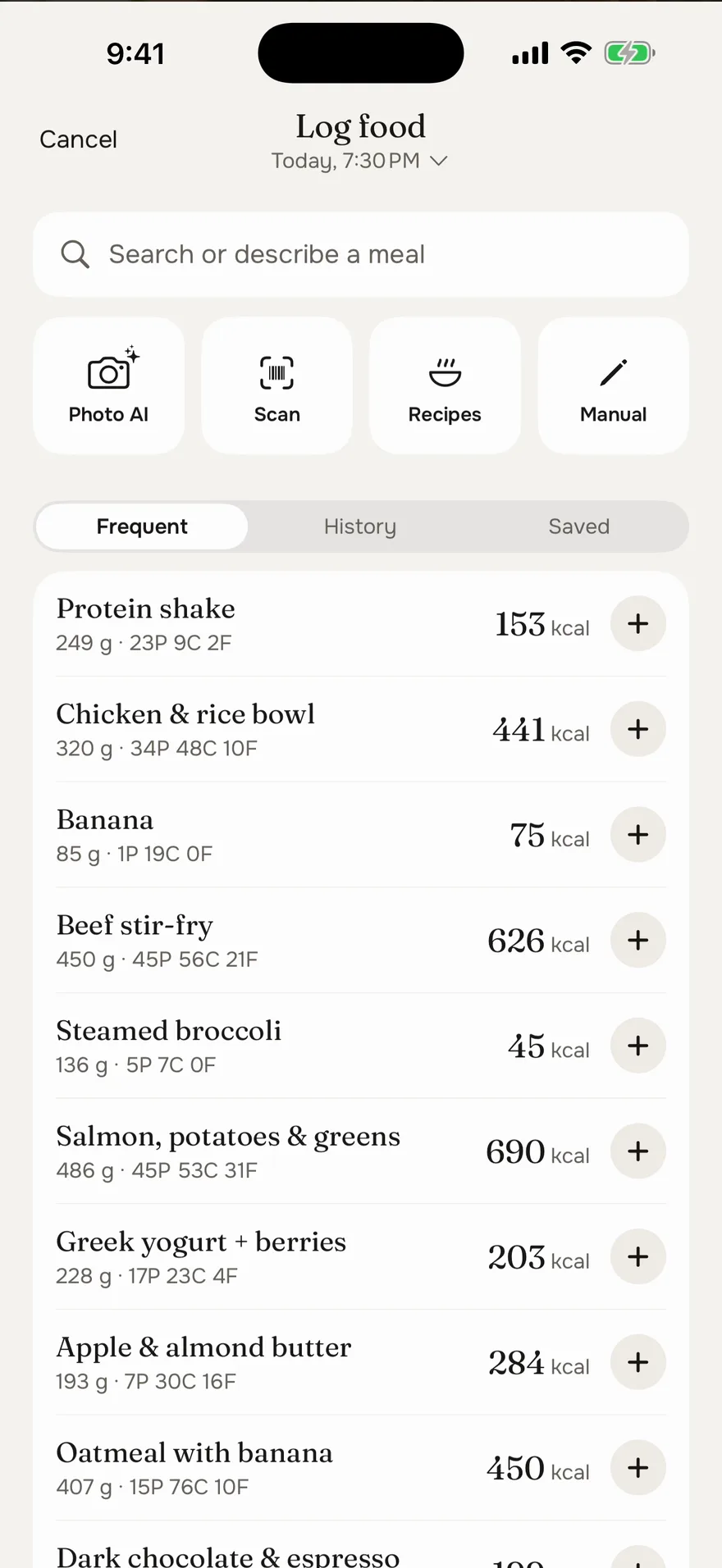
Search Open Food Facts, USDA's generic foods and a built-in table of common foods. Anything you've logged before comes up first, at the portion you had.
- Finds your past meals in any word order
- Protein, carbs and fat on every result
- Queue a few items, log them in one tap
Point at the label. The numbers fill in.
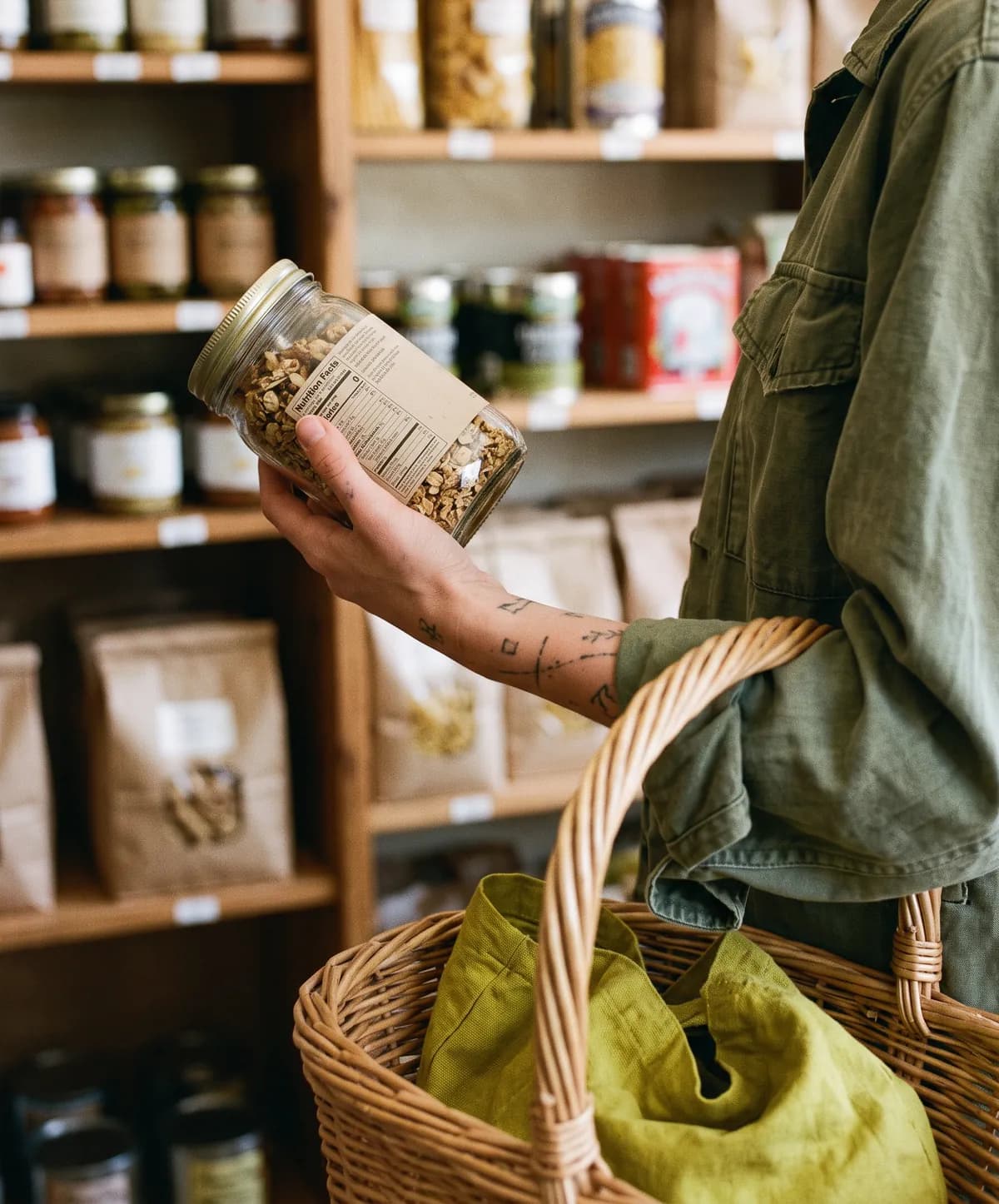
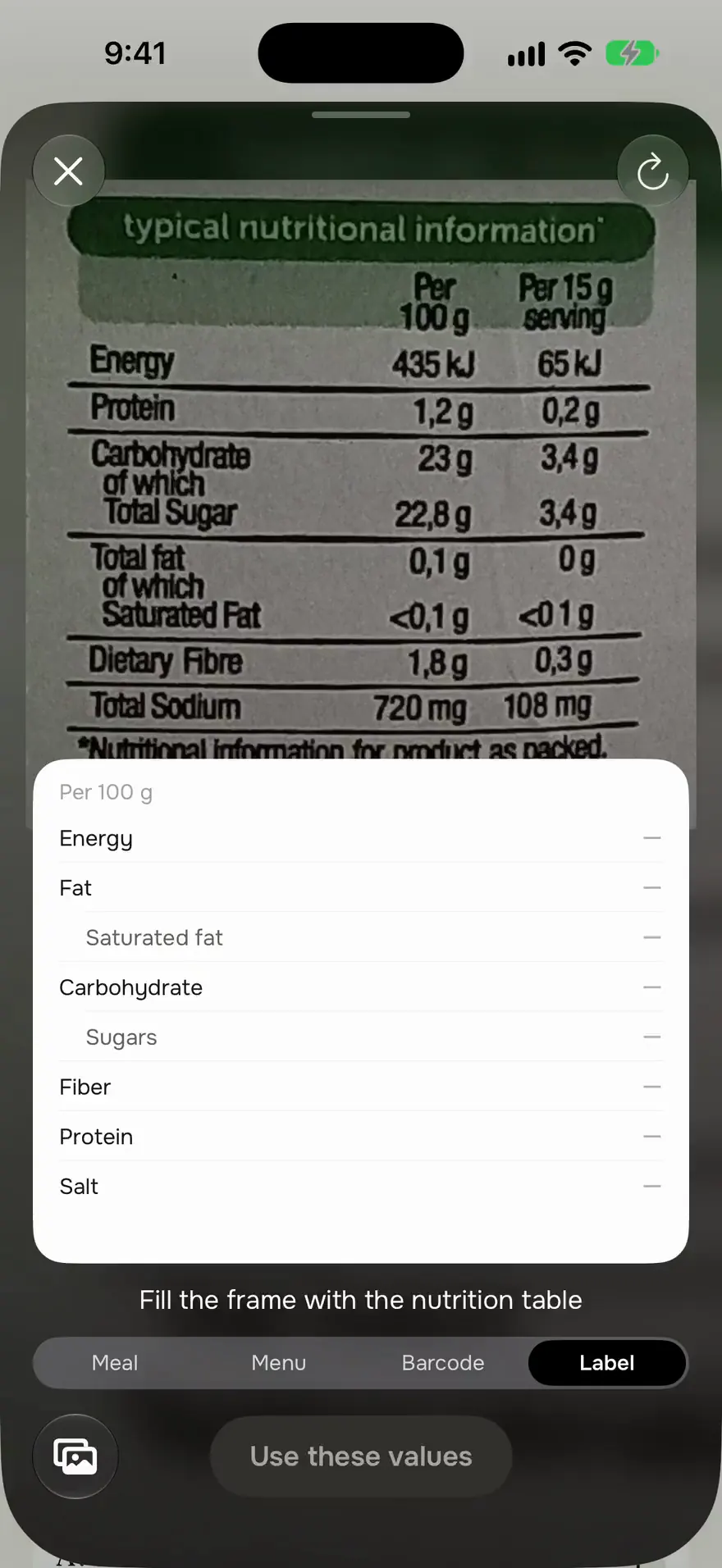
Scan a barcode, or point your camera at a nutrition label and watch the calories, fat, carbs and protein appear. The label is read right on your iPhone, with no AI, and it's free.
- Reads labels per 100 g or per serving
- Barcode not in the database? Scan its label instead
- Check every value before it's logged
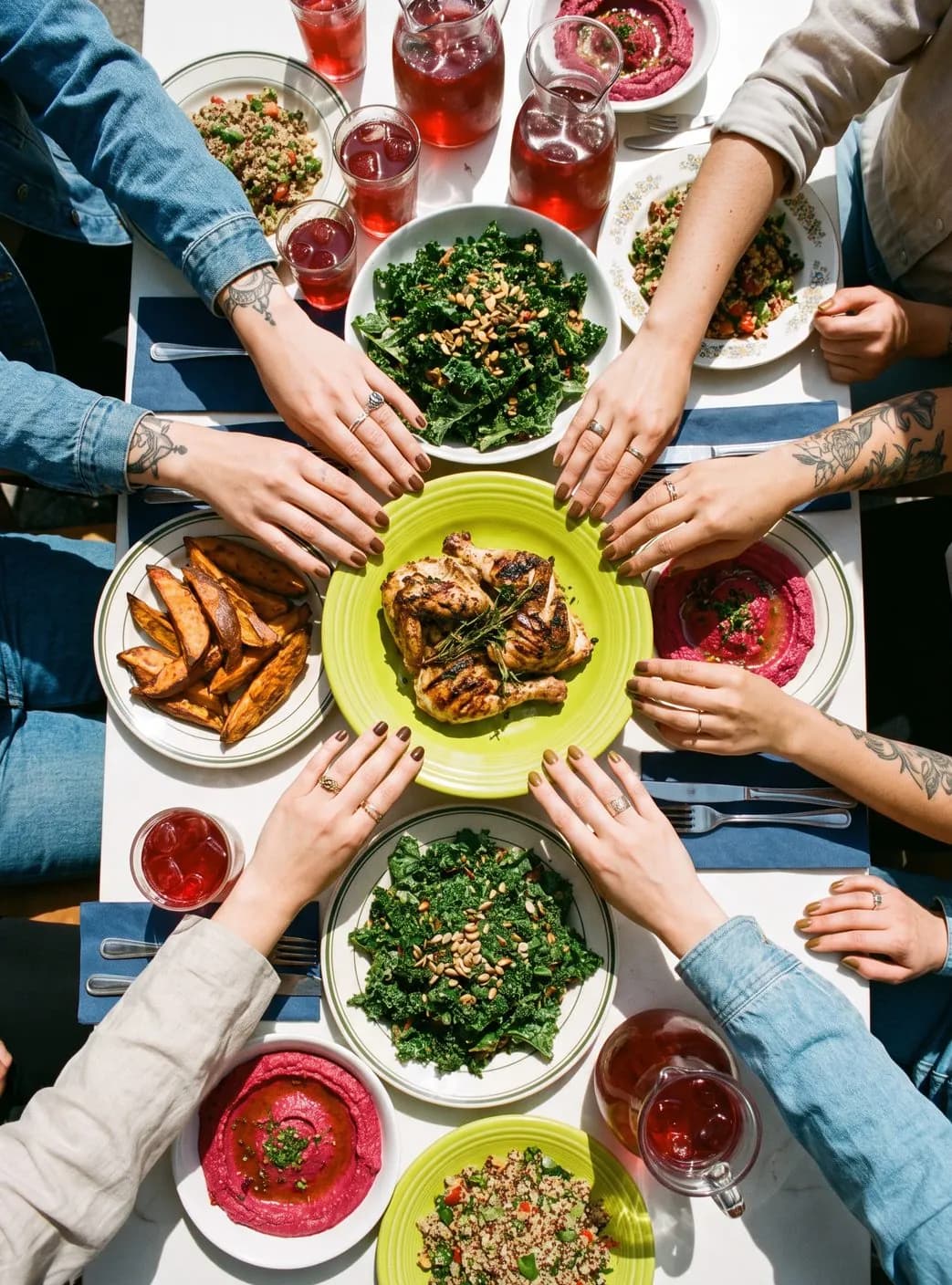
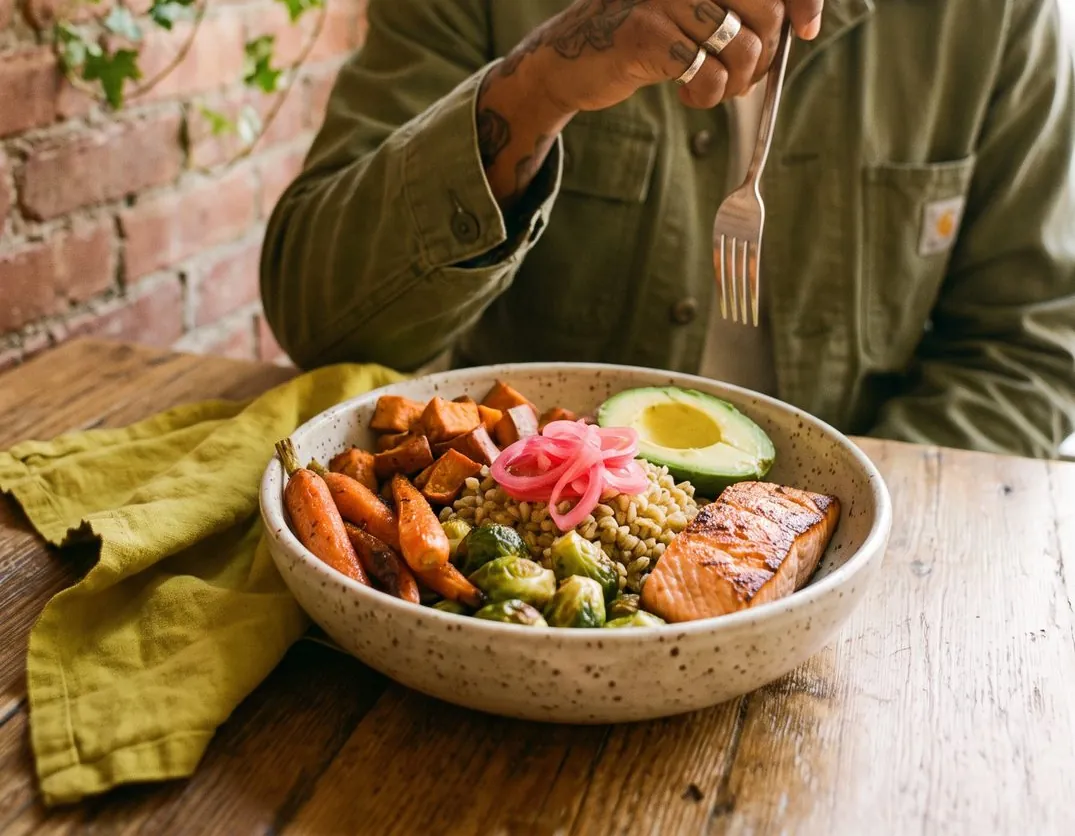
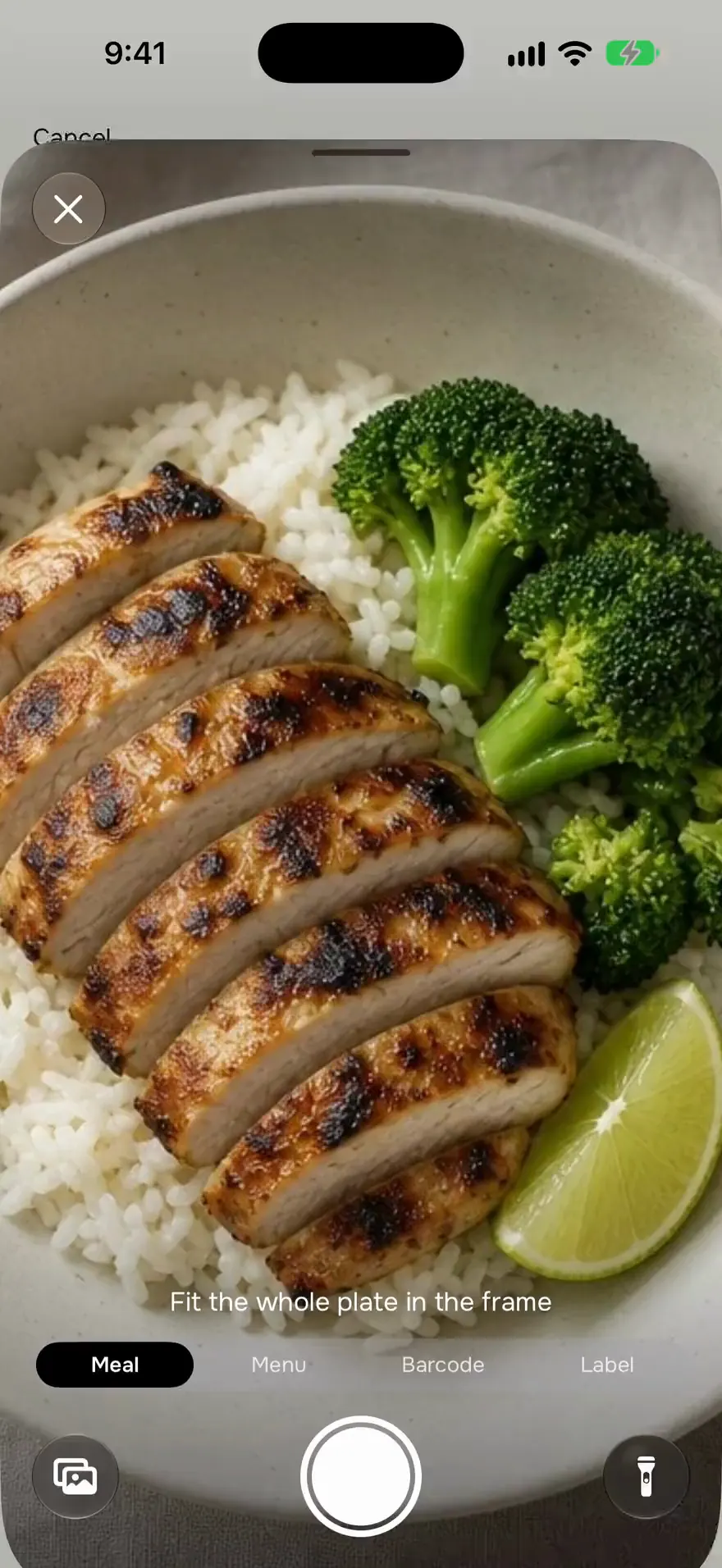
Snap your plate, see the calories.
Take a photo and get every item on the plate with its calories and macros. Something off? Say it in plain words, like “cooked in oil”, and it estimates again.
- Untick what you didn't eat, adjust any portion
- Know the weight? Type it in for a closer estimate
- Your first 3 photo scans are free
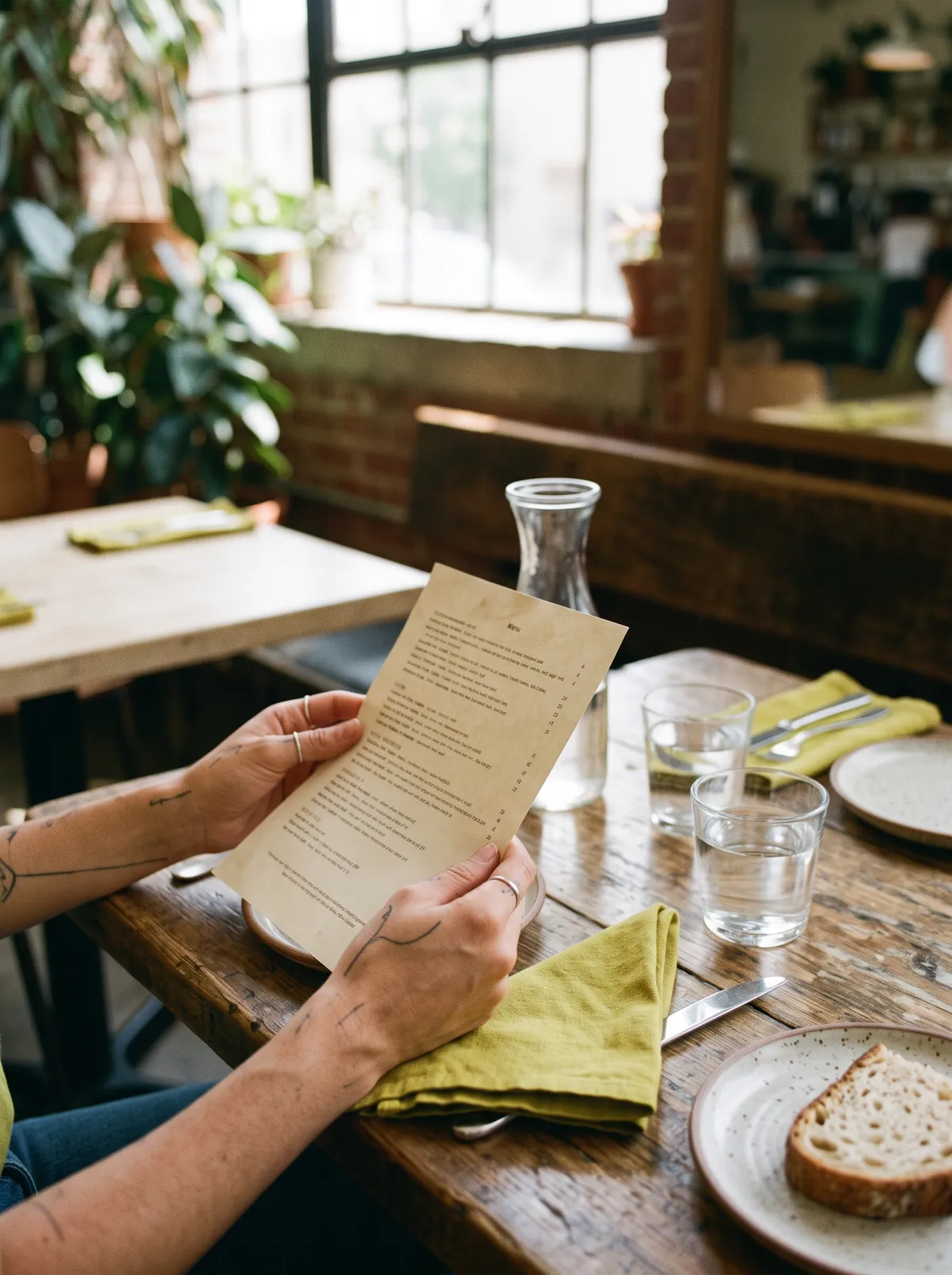
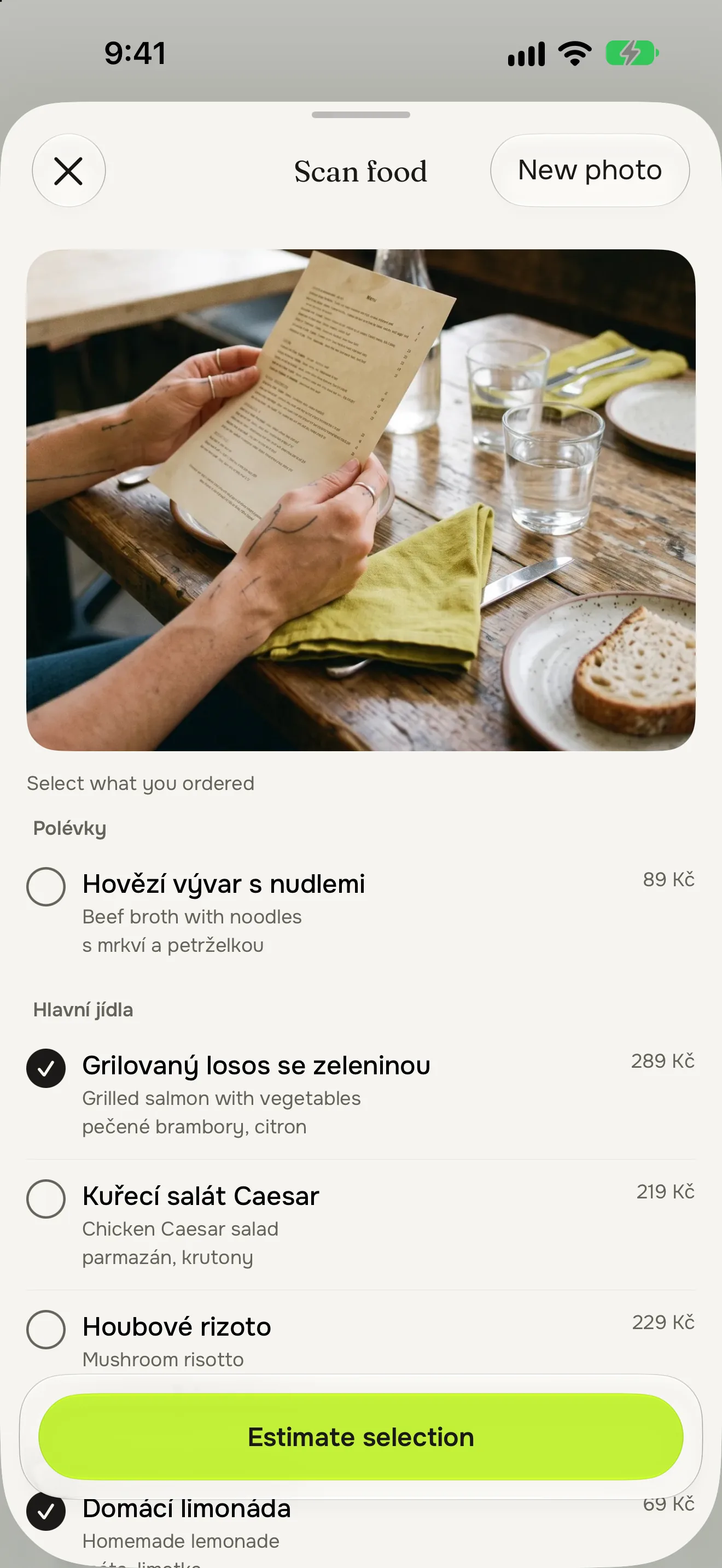
Eating out? Photograph the menu.
Snap the menu, in any language, and tap what you ordered. Müsli estimates it as the restaurant serves it.
- Any language on the menu
- Pick one dish or the whole order
- Correct it in plain words, like “no fries”
No photo? Say what you ate.
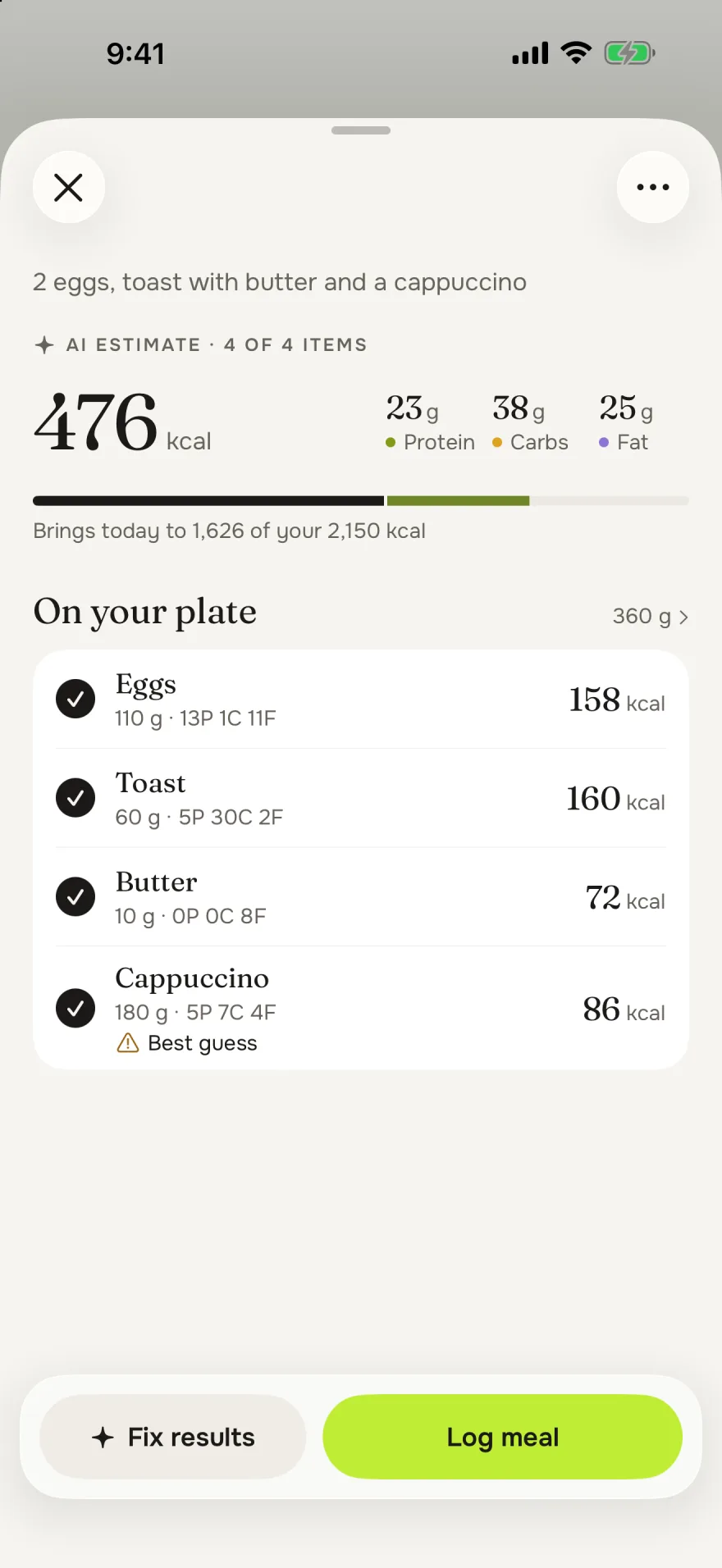
Type “2 eggs, toast with butter and a cappuccino” into the search field and get one estimate, item by item. Or dictate it with your keyboard’s microphone.
- Works for a whole meal or a single snack
- Fix it in plain words before you log it

Same breakfast as yesterday? One tap.
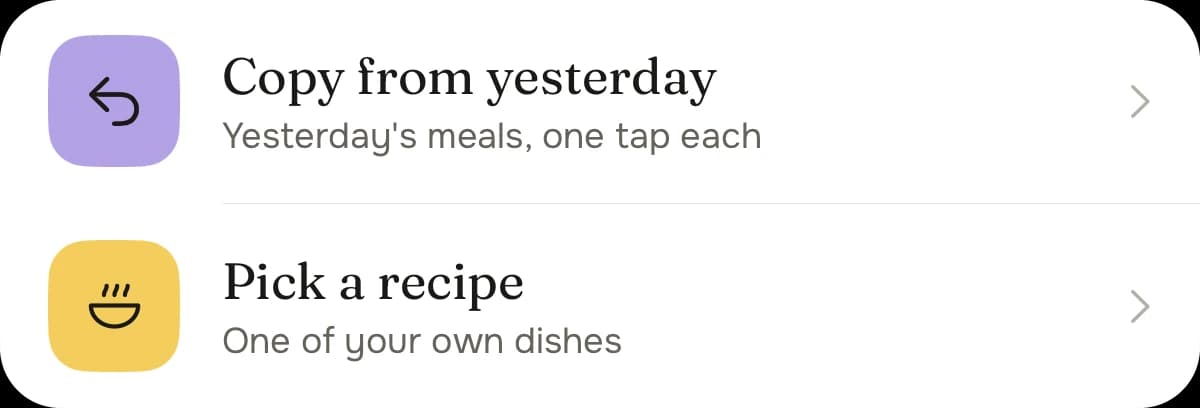
The foods you eat often come back at your usual portion. Copy yesterday's meals, or log a saved recipe whole.
- Frequent, history and saved foods in one place
- Copy yesterday on an empty day
- Log a recipe with Siri

Is today on track?
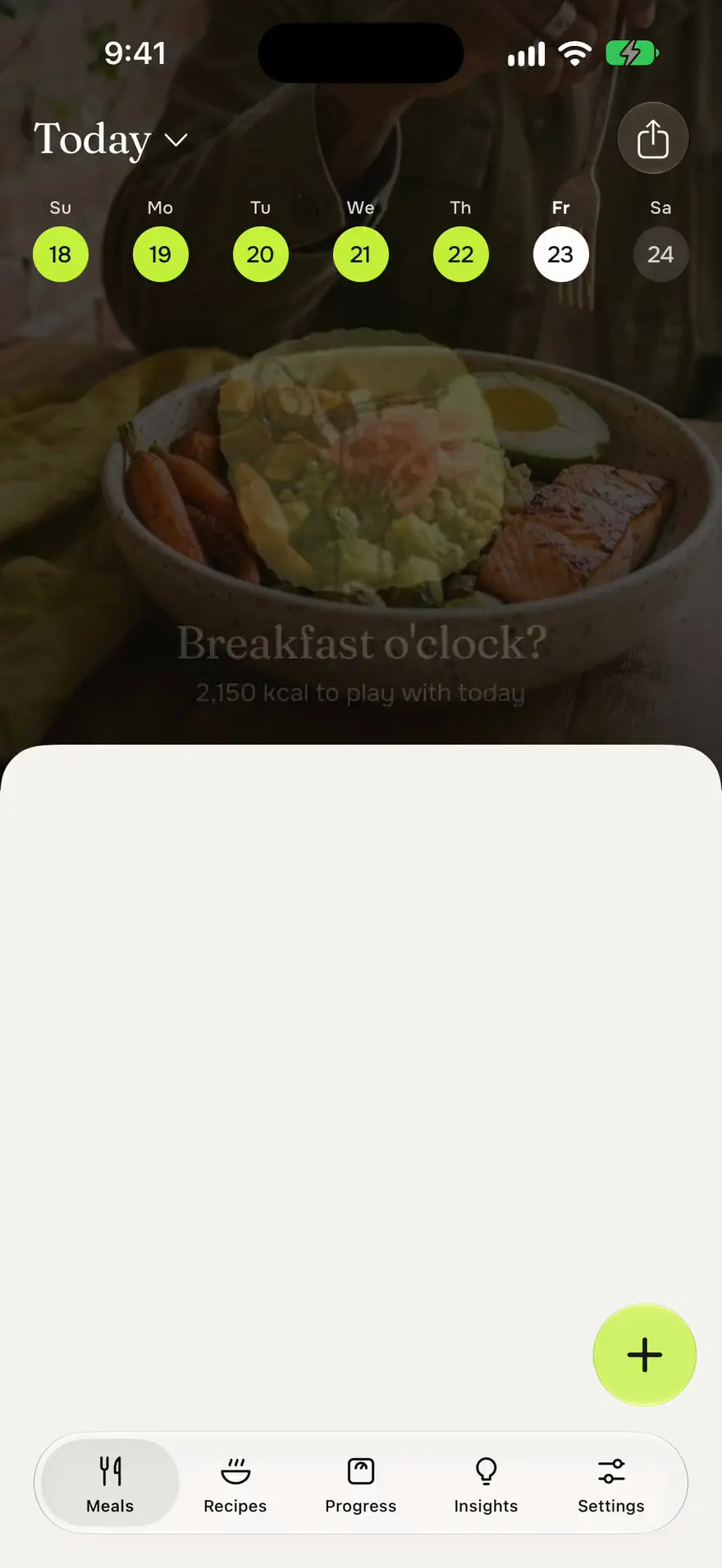
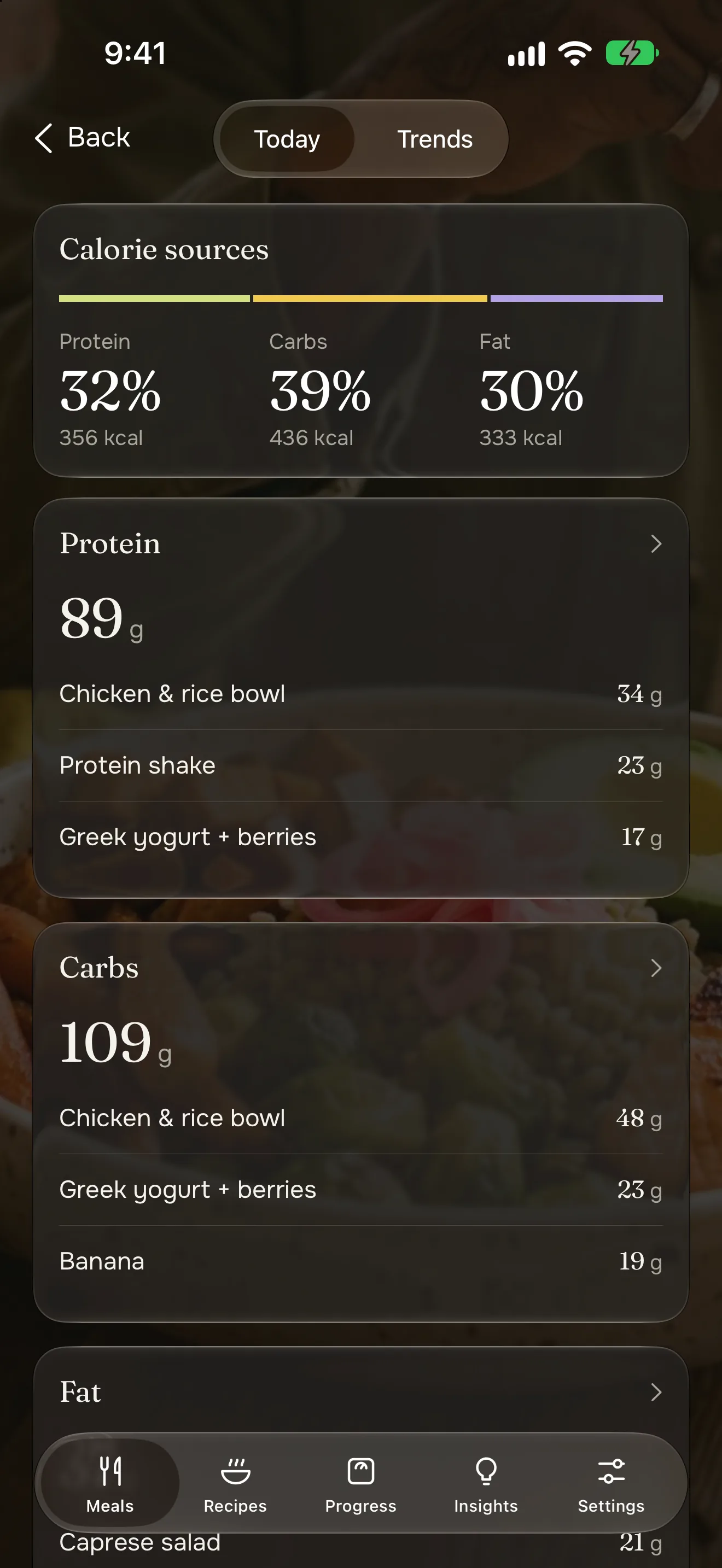
Open Müsli and see what you've eaten, what's left, and whether today puts you in a deficit, at maintenance or in a surplus. Pull down to see where the calories came from.
- Calories left or eaten, the way you like to count
- Which foods gave you your protein, carbs and fat
- Fibre, sugar, saturated fat and salt, when you want the detail
Know your food
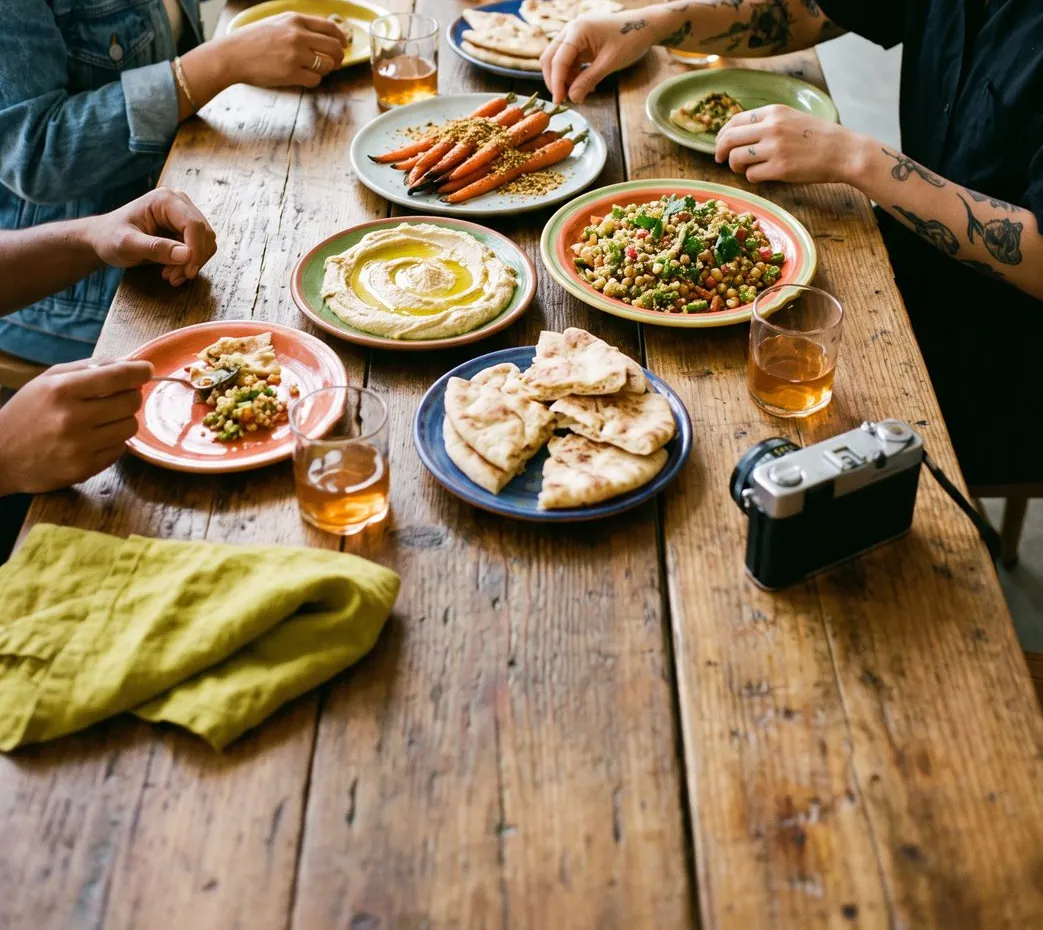
See what’s in your food.
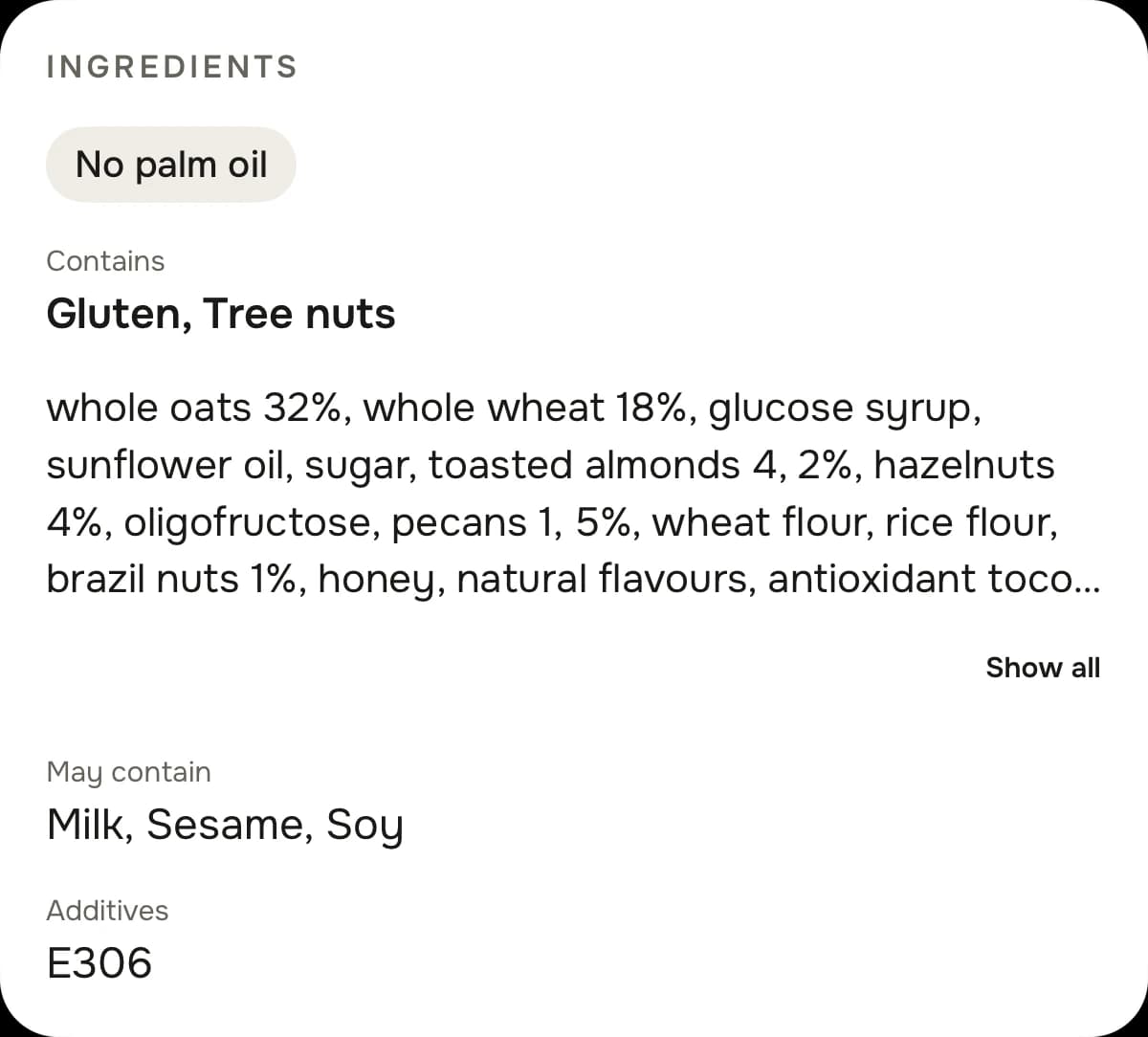
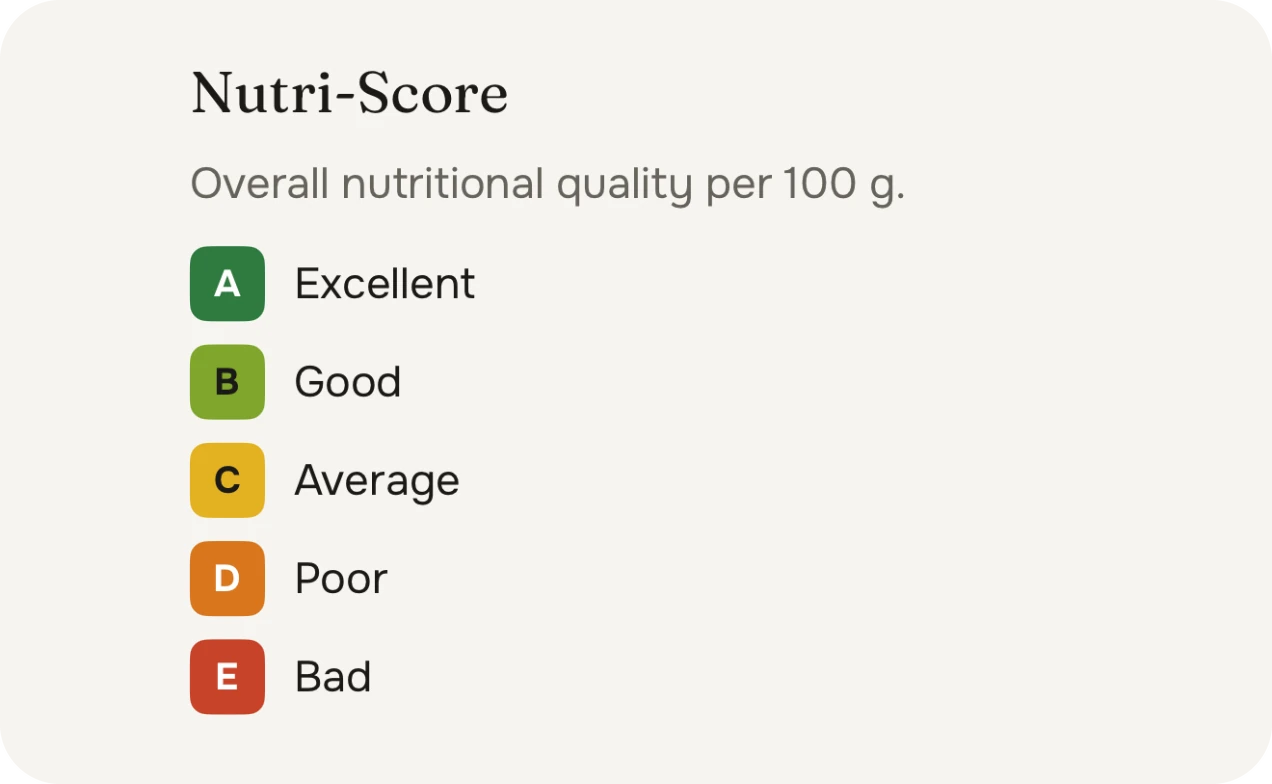
Scan a packaged food to see its Nutri-Score, how processed it is, its allergens, ingredients and additives. Then see how processed your food is overall.
Product data comes from Open Food Facts, an open database filled in by volunteers. Check the label when it matters. On a photographed or described meal, the processing group is an AI estimate, and Müsli says so.
A day with Müsli.
Real moments, and how Müsli handles each one.
8:00 · Breakfast
Same müsli as yesterday?
Copy yesterday's breakfast, or tap your usual at its usual portion. Done before the coffee's cold.
Free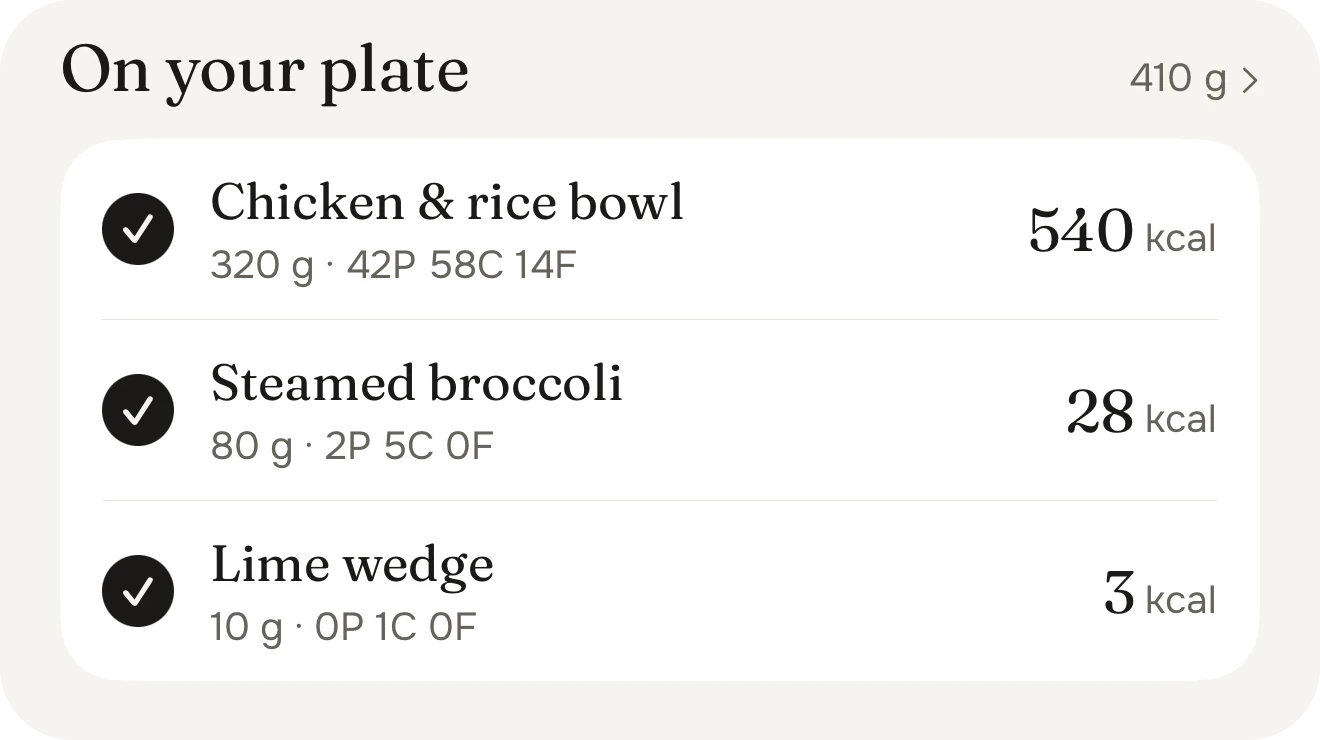
13:00 · Lunch out
Order, snap the menu, tap your dish.
No guessing what a restaurant plate is worth. Müsli estimates what you ordered, and you can correct it in plain words.
Müsli Pro17:30 · Grocery run
Check it before it goes in the basket.
Scan a barcode to see the Nutri-Score, how processed it is and what's in it, so you know what you're buying.
Free
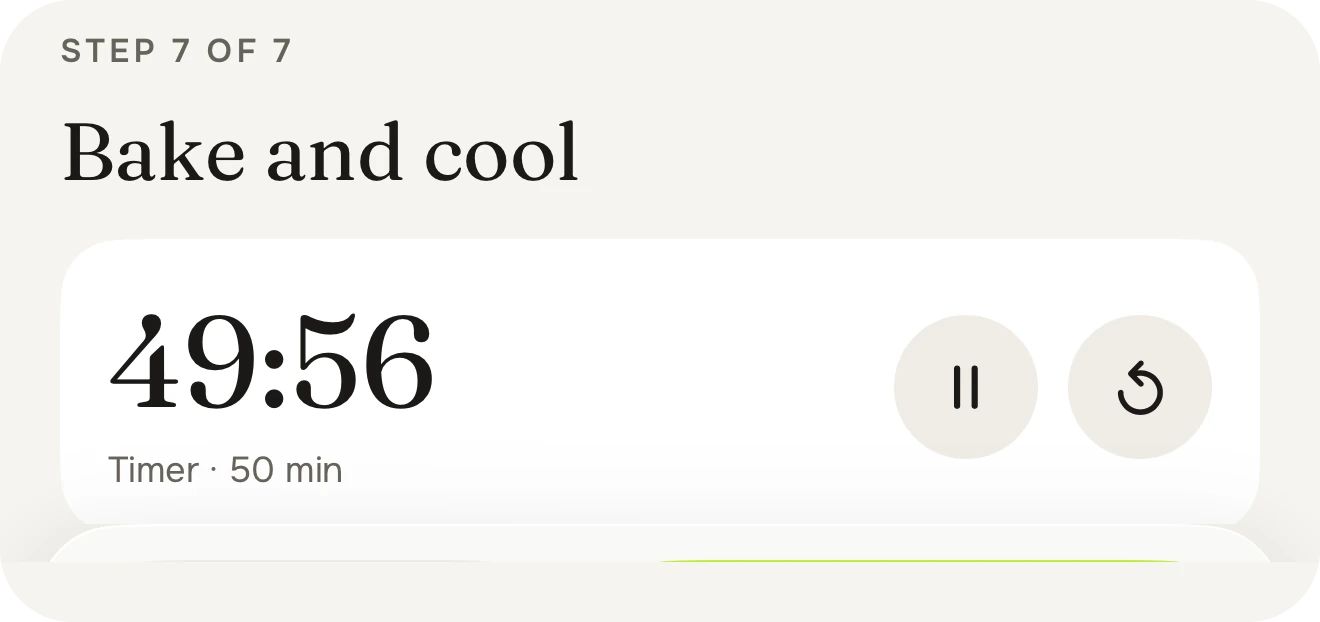
19:00 · Dinner
Cook it step by step, log your share.
Follow a recipe one step at a time with timers that ping, then log your portion with the numbers already worked out.
Free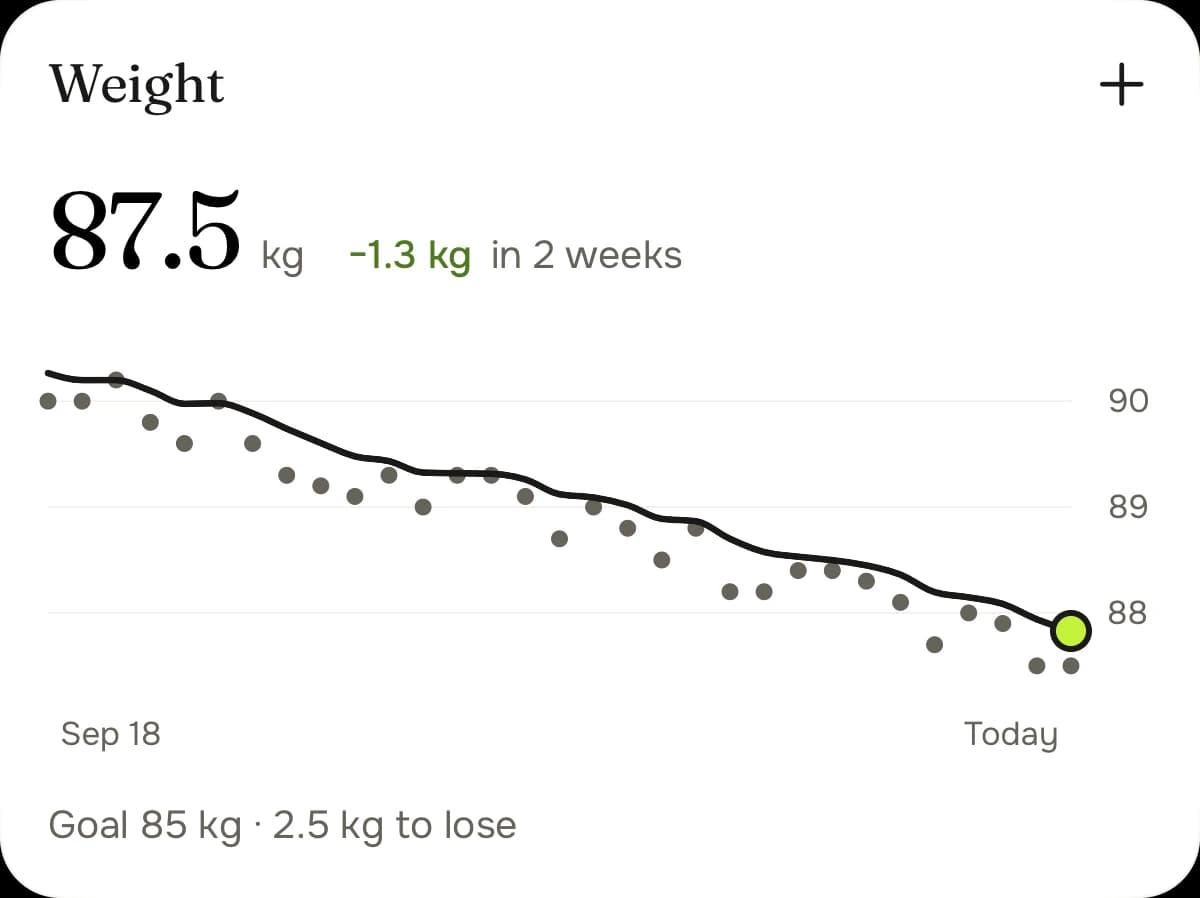
Sunday · Weigh-in
Step on the scale, see the trend.
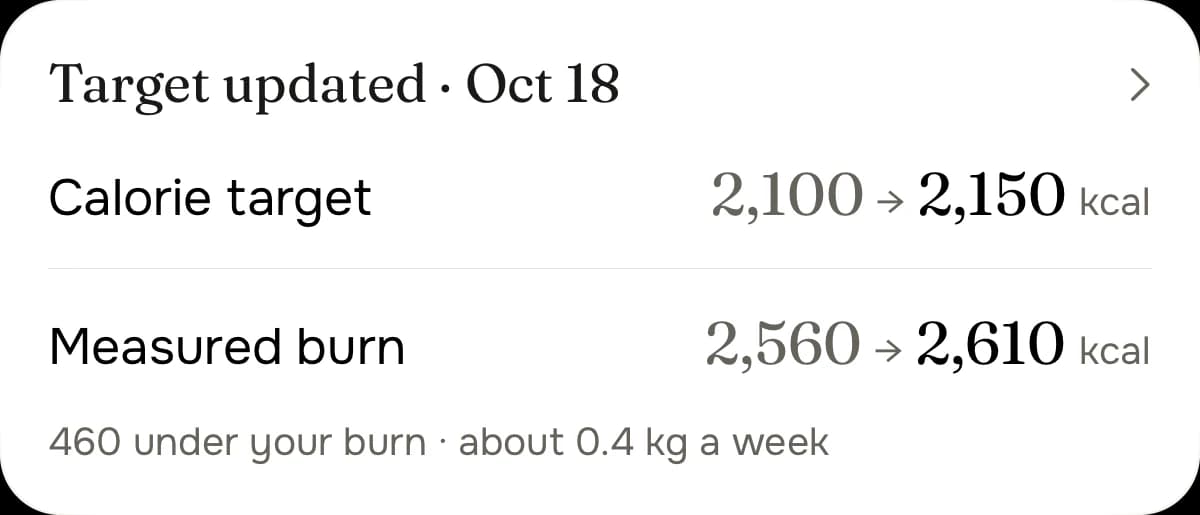
One weigh-in doesn't decide anything. Your trend does, and once a week your target follows it.
Free
Food you love, goals you hit.
Free to download, no account needed. For iPhone with iOS 26 or later.